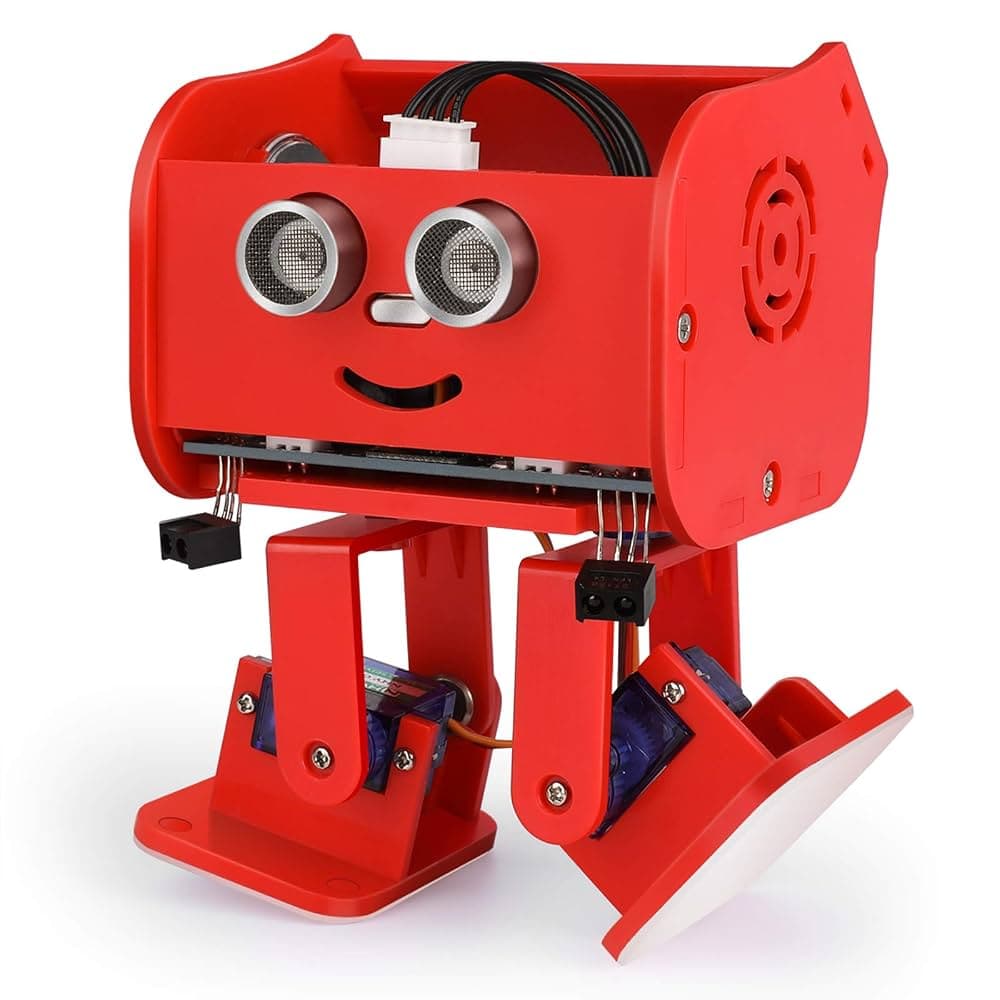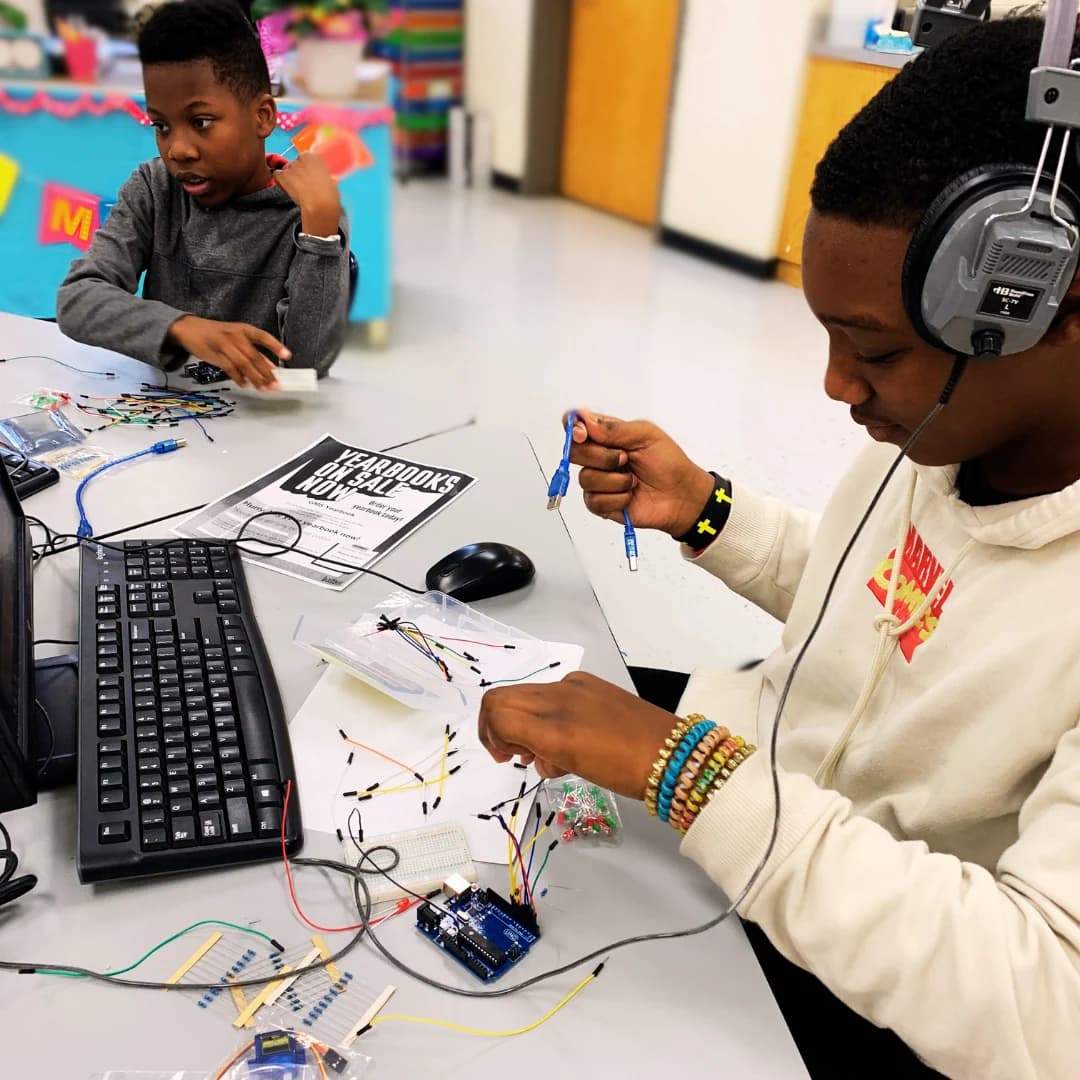

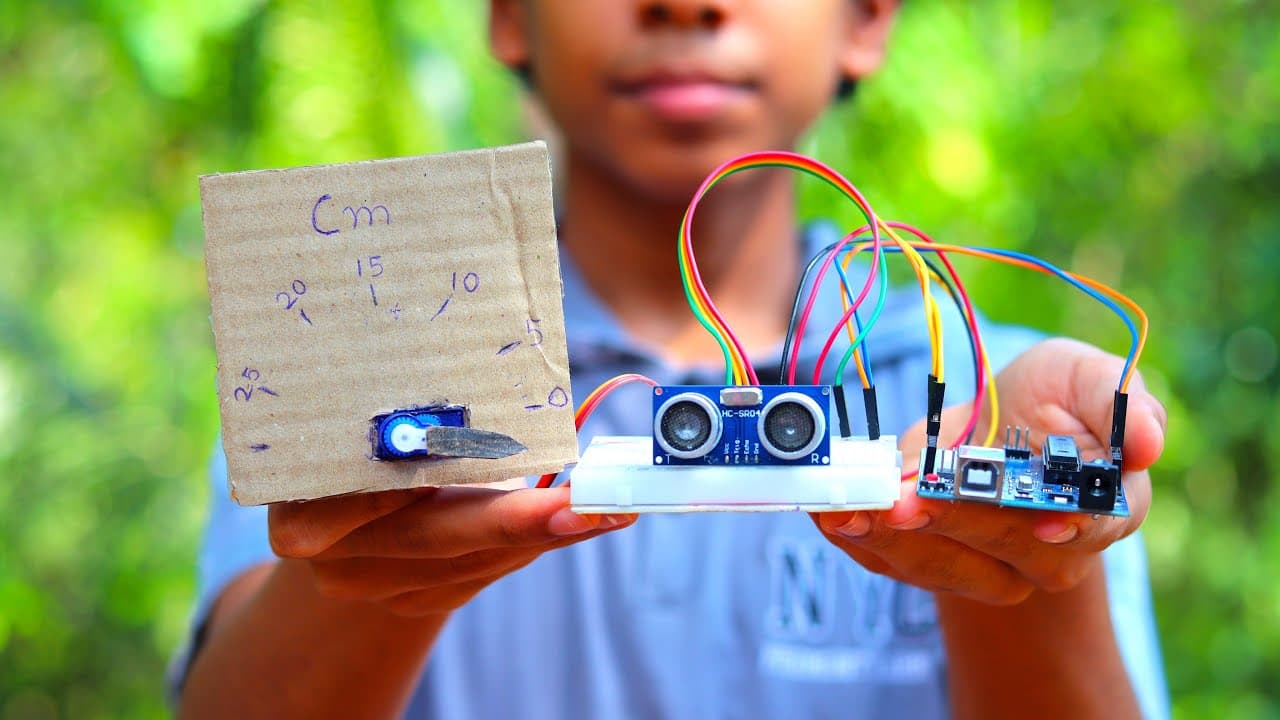
Every robot, smart gadget and electronics project needs a small programmable board, called a microcontroller, to act as its brain. For schools and students, three boards dominate: the BBC micro:bit, the Arduino and the Raspberry Pi Pico. All three are excellent, but they suit different ages and goals.
This guide compares them side by side so teachers, parents and students in Ghana can choose the right first board and plan a path from one to the next.
At a glance
| BBC micro:bit | Arduino (Uno / Mega) | Raspberry Pi Pico | |
|---|---|---|---|
| Best for | Ages 8 to 14, beginners | Ages 13 and up, electronics | Ages 12 and up, Python learners |
| Coding | MakeCode blocks, JavaScript, MicroPython | C/C++ in the Arduino IDE | MicroPython, C/C++ |
| Built-in parts | LED display, buttons, sensors, radio (V2: speaker and microphone) | Just the board and one LED | Just the board and one LED |
| Needs extra parts? | No, works straight away | Yes: breadboard, wires, sensors | Yes: breadboard, wires, sensors |
| Learning curve | Gentle | Steeper | Moderate |
| Classroom fit | Excellent for whole classes | Clubs and older students | Older students moving to text code |
BBC micro:bit: the best first board
The micro:bit was designed for education. It has a 5x5 LED display, two buttons, an accelerometer, compass, temperature and light sensing, and radio and Bluetooth built in. The V2 version adds a speaker, microphone and touch-sensitive logo. Children can write their first program in minutes using drag-and-drop blocks in Microsoft MakeCode, then move to JavaScript or MicroPython.
- Strengths: nothing extra needed to start, a free online simulator, and a huge range of classroom kits.
- Limits: fewer pins than an Arduino Mega for big projects, so add an expansion board as projects grow.
- Great kits: the BitBoard kit, the Smart Science IoT kit and the TPBot car.
Arduino: the classic for electronics
Arduino boards have been the standard for hobby electronics and engineering students for years. The Arduino Uno has 14 digital input/output pins and 6 analogue inputs. The Arduino Mega 2560 has 54 digital pins and 16 analogue inputs, for projects with many sensors and motors. Arduino is programmed in C/C++, which teaches how hardware works at a deeper level.
- Strengths: a huge community, thousands of tutorials and libraries, and skills that carry straight into engineering.
- Limits: students must wire every component, and C/C++ is harder for beginners.
- Get started: the Arduino Mega 2560 R3 board with sensors from our electronics and sensors range.
Raspberry Pi Pico: Python power at low cost
The Raspberry Pi Pico is built on the RP2040 chip, a dual-core processor that is fast for its price. It is popular for learning MicroPython, which makes it a natural next step for students who started with Python on the micro:bit.
- Strengths: Python and C/C++ support, good speed, and plenty of pins.
- Limits: like Arduino, it needs a breadboard and components, so it is better for students past the beginner stage.
- Get started: the Raspberry Pi Pico starter kit or the Wukong2040 inventor's kit.
Which board should you choose?
- Primary school or complete beginners: start with the micro:bit and block coding.
- JHS students: micro:bit with expansion kits, then Python on micro:bit or Pico.
- SHS, TVET and university students interested in electronics: Arduino for hardware depth, Pico for Python.
- Schools equipping a lab: micro:bit class sets for younger pupils, plus a few Arduino and Pico kits for advanced clubs. See our STEM lab setup guide.
A learning path from first board to advanced projects
- micro:bit with MakeCode blocks: learn loops, conditions and events with instant results.
- micro:bit with robot and IoT kits: add motors and sensors to build robots and smart devices.
- MicroPython on micro:bit or Pico: move from blocks to text code.
- Arduino with C/C++: wire circuits from scratch and understand hardware in depth.
- Raspberry Pi and AI: combine computing, cameras and AI in advanced robots like the XGO robot dog.
Frequently asked questions
Is micro:bit or Arduino better for beginners?
The micro:bit is better for beginners. It has a display, buttons and sensors built in and can be programmed with drag-and-drop blocks, while Arduino needs extra components and C/C++ code.
Is the Raspberry Pi Pico the same as a Raspberry Pi?
No. The Raspberry Pi Pico is a microcontroller that runs a single program, like an Arduino. A Raspberry Pi is a small computer that runs Linux.
Which board is best for a school STEM lab?
Most schools start with micro:bit class sets for younger pupils because they are easy to use, then add Arduino and Raspberry Pi Pico kits for older students and clubs.
Can I buy micro:bit, Arduino and Raspberry Pi Pico kits in Ghana?
Yes. Ideotronix sells micro:bit kits, Arduino boards and Raspberry Pi Pico kits in Ghana, with bulk options for schools.